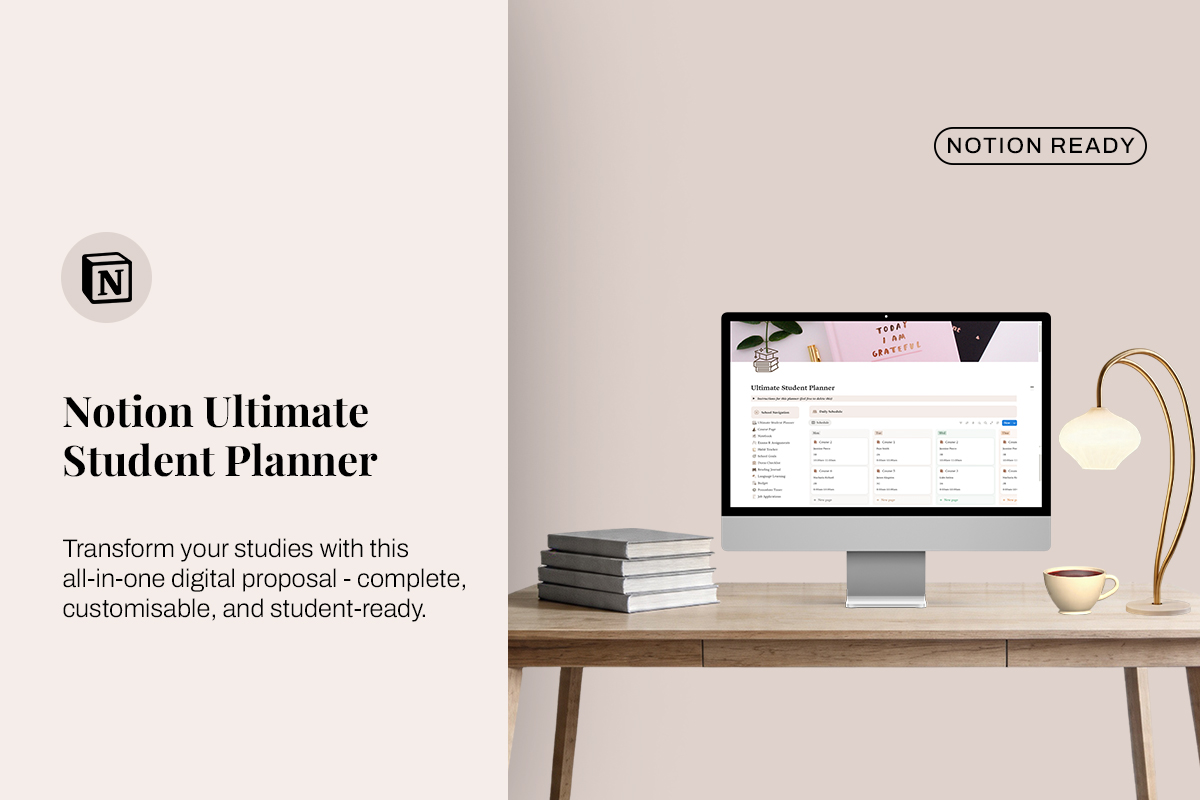
Ultimate Notion Student Planner

Introducing the Notion Student Planner – a digital planner designed to help students organize and manage their academic life. It includes a variety of templates and features to track assignments, deadlines, projects, habits, goals, and more. Easy to navigate and simple to use, whether you're a beginner or experienced with Notion.
What you will receive
1 PDF file containing a link to the Notion template
This template is compatible with the Notion app and Notion.so (web version). You can create a free account and duplicate the template to your dashboard in less than 3 minutes.
Important note
As this is a digital product, all sales are final and no refunds can be issued.
How to access your template
Once your payment is complete, download the PDF file provided after purchase.
Open the PDF and click the template link inside.
"Duplicate" in the top right corner to add the template to your workspace. On mobile, tap the three-dot menu to find the duplicate option.
If you don’t have a Notion account yet, sign up for free before duplicating the template.